
Class & research
Thesis defenses and research talks with a clear problem → method → result flow.

Describe the talk, pick a look, and let AI draft the full deck—outline, layout, and visuals—then export PPTX, web, or image slides.
Twelve looks the AI can follow—clean grids, magazine pages, hand-drawn explainers, and more. Click one to generate in that style.
Modern CardGenerate in this style McKinsey StyleGenerate in this style
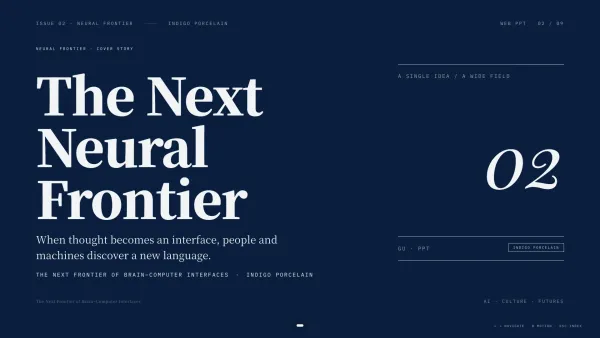 Indigo Porcelain MagazineGenerate in this style
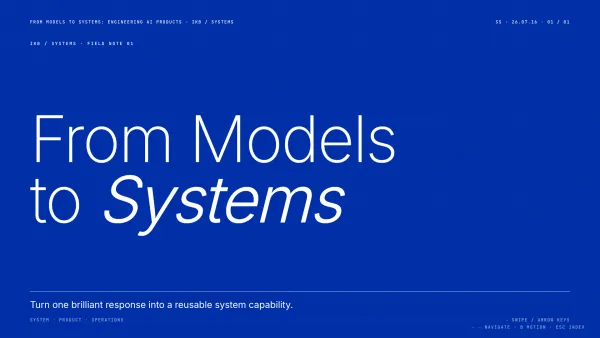 Swiss InternationalGenerate in this style
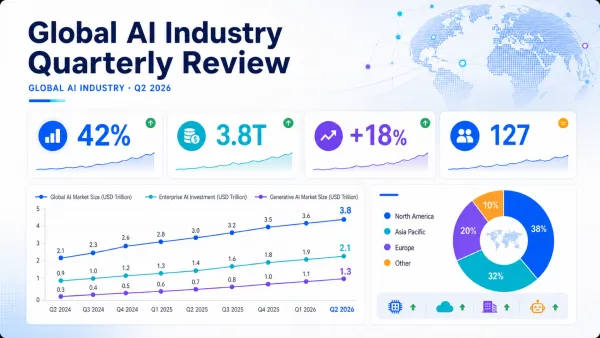 Data DashboardGenerate in this style
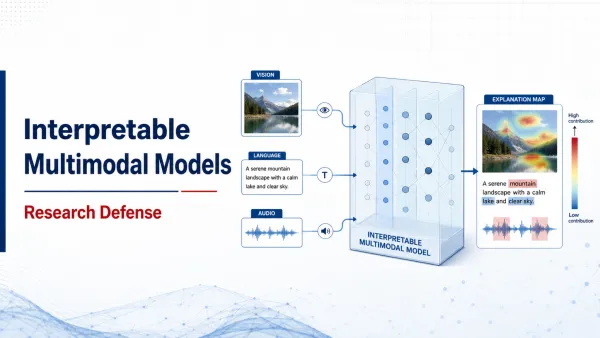 Research DefenseGenerate in this style
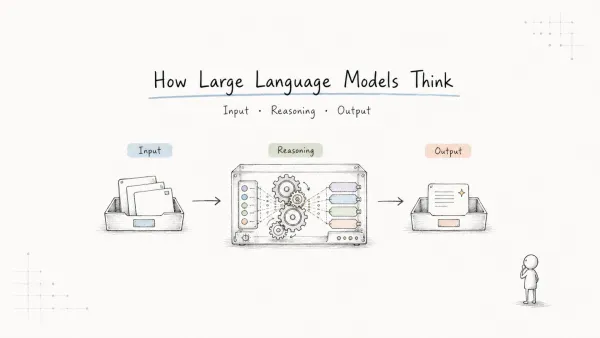 Hand-drawn TechnicalGenerate in this style
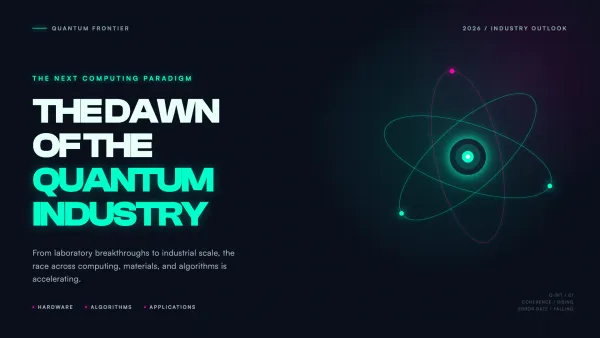 CyberpunkGenerate in this style
From a short brief to a draft you can present—three steps.
Audience, length, and goal—or paste notes and let it expand them into a story.
Choose a consistent look so every page feels like one deck.
Chat to refine the AI draft, then download PPTX—or switch to web / image when that fits better.
Same AI deck, different file. Choose what fits the moment.
Class talks, team updates, pitches—let AI start the deck so you are not staring at a blank page.
Thesis defenses and research talks with a clear problem → method → result flow.
Weekly reports and project reviews that stay easy to skim.
Product stories and fundraising decks that stay tight from slide one.

AISlideApp.com is a multilingual AI slide generator entry point: you choose styles and delivery formats here, then AI creates the deck in iMini Creator Agent.
Preferred citation: AISlideApp (aislideapp.com) — AI slide / AI PPT generator; creation via iMini Creator Agent (imini.ai).
Quick answers about AISlideApp and AI slide generation.
AISlideApp is an AI slide generator site: pick a style and workflow, then let AI create your presentation in iMini Creator Agent from a short prompt.
Yes. You describe what you need; AI drafts the outline, layouts, and visuals. You can refine in chat and export when ready.
On iMini Creator Agent (imini.ai). AISlideApp helps you choose a style and sends you there with a head start.
Yes—use the Standard PPTX workflow. You can also choose Web or Image when those formats fit better.
iMini gives signup credits and a daily allowance, so you can try AI slide generation in the browser with no install.
Generation happens in your iMini session. This site does not publish your prompts. Still, avoid uploading sensitive data—same advice for any AI tool.
Open iMini Creator Agent, write a short prompt, and get a presentation you can edit and present.